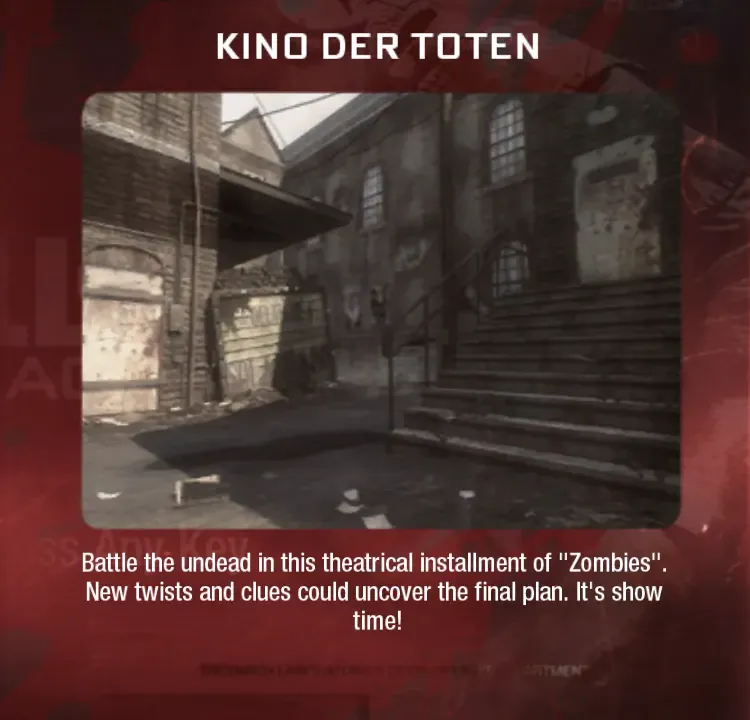
01 / THE THEATER
Kino der Toten
A theater with a lobby, dressing room, alley and stage. The first-round desktop launch is the entry we have checked.
FIRST ROUND CHECKEDMAP INTELLIGENCE / BO1
Explore the Black Ops 1 Zombies maps listed by the browser project. Compare settings, see what has actually been tested, and choose a map before its game files start loading.
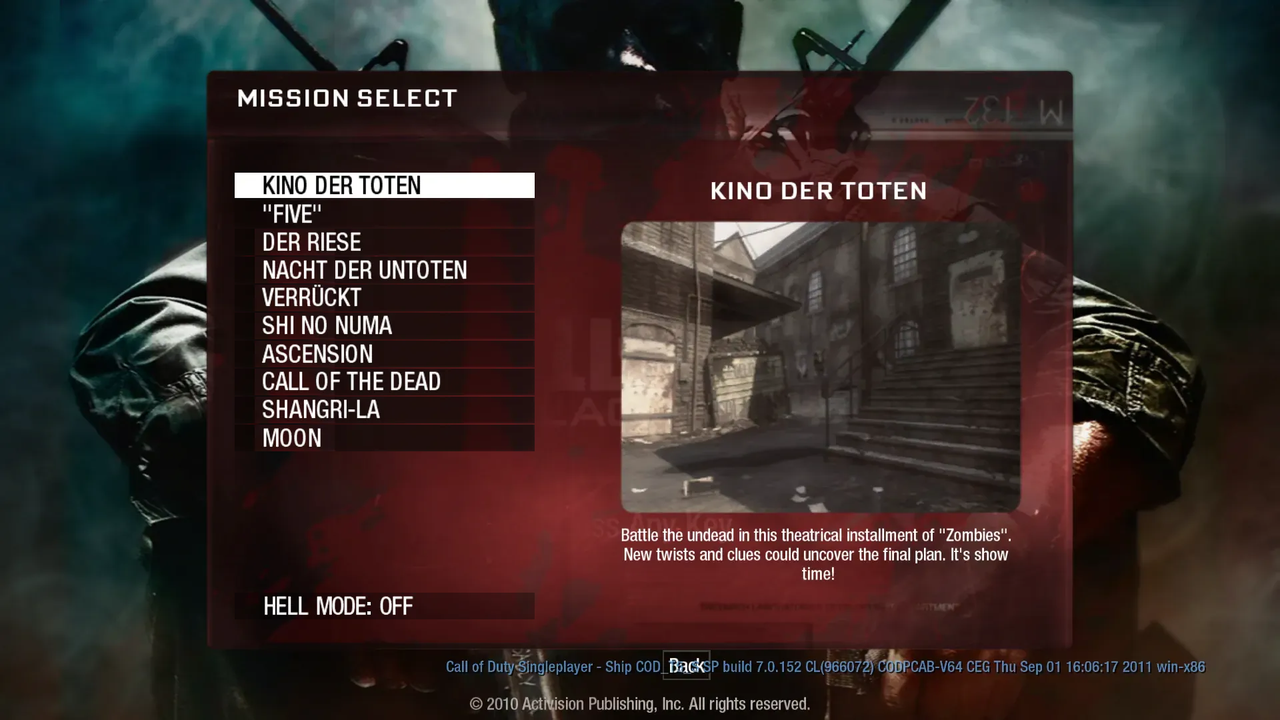
A theater to learn, a small building to defend, or somewhere unfamiliar to explore? This guide connects the Black Ops 1 Zombies maps in the browser project's menu to our homepage player. Choose a card to select that map, then press Play when ready.
Start with Kino if you want the clearest compatibility record. Our desktop Chrome check on 10 October 2026 completed its download and reached round one. The other nine entries are confirmed in the source menu, but we have not completed their gameplay checks. Their previews show the original menu artwork, not screenshots from ten successful browser matches.
10 of 10 map entries shown
01 / THE THEATER
A theater with a lobby, dressing room, alley and stage. The first-round desktop launch is the entry we have checked.
FIRST ROUND CHECKED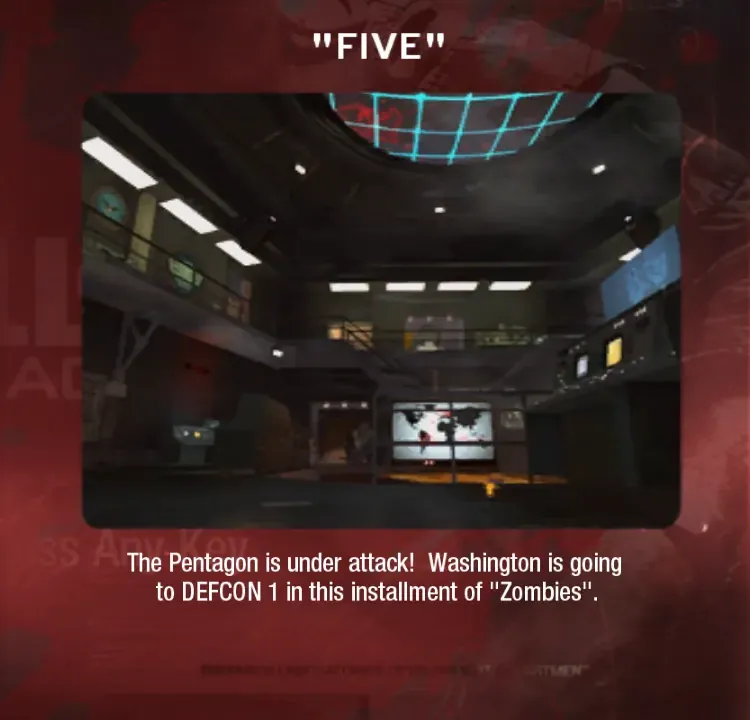
02 / THE PENTAGON
The Pentagon setting brings offices, elevators and laboratories into a different kind of survival space.
LISTED · PLAY TEST PENDING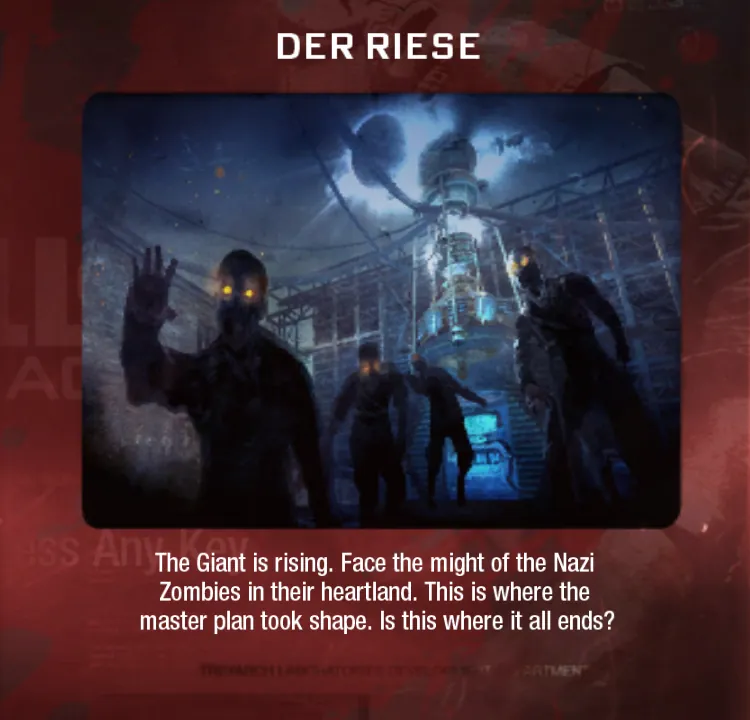
03 / THE FACTORY
A factory setting associated with power, linked teleporters and weapon upgrades in the original game.
LISTED · PLAY TEST PENDING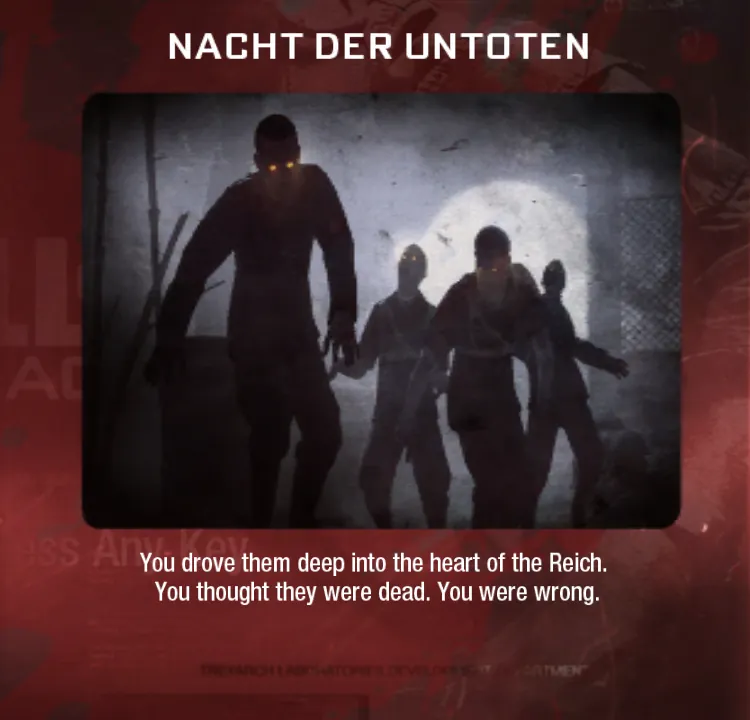
04 / THE BEGINNING
A small bunker and one of the earliest Zombies settings. Fewer systems do not make a crowded room safe.
LISTED · PLAY TEST PENDING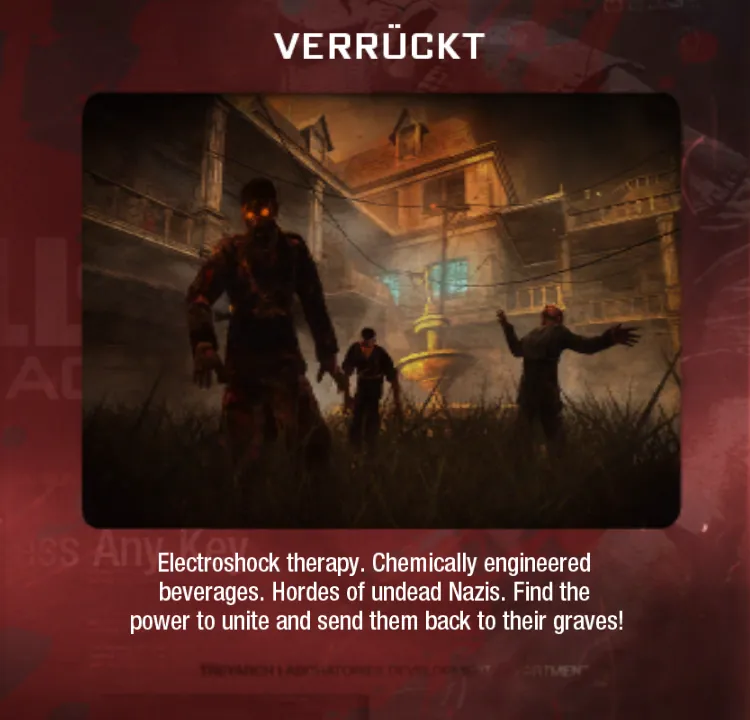
05 / THE ASYLUM
An asylum with divided starting areas. Route choices and the power connection matter in the original map.
LISTED · PLAY TEST PENDING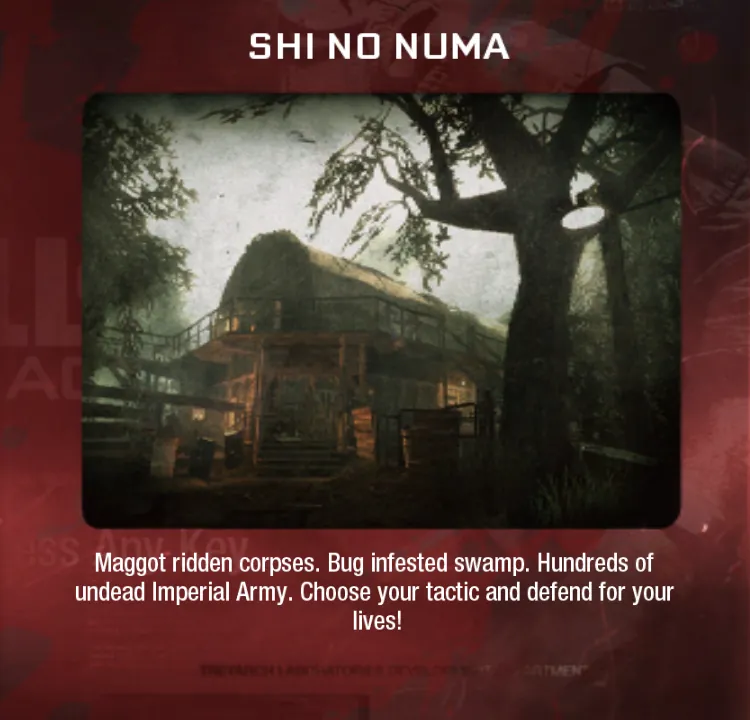
06 / THE SWAMP
Swamp huts and connecting paths provide a setting very different from the theater’s indoor lanes.
LISTED · PLAY TEST PENDING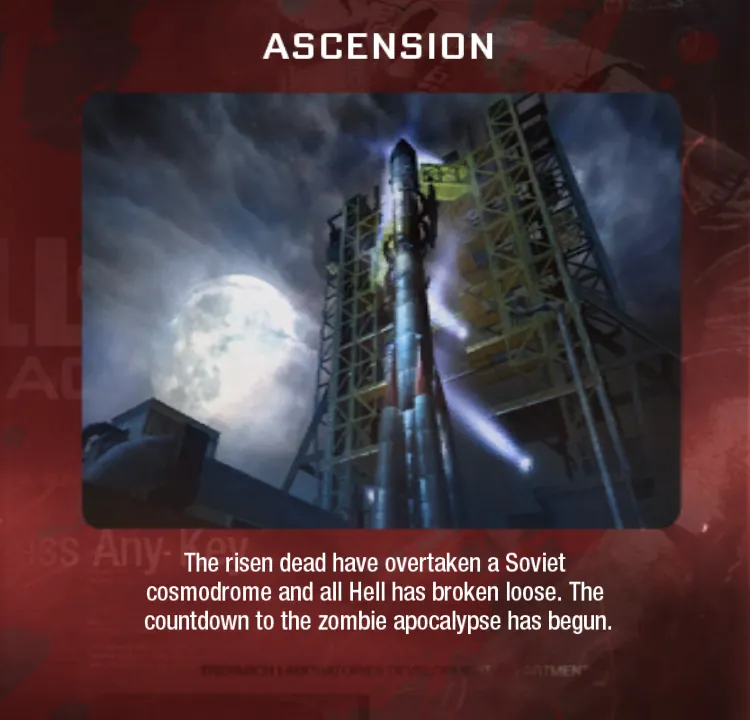
07 / THE COSMODROME
A cosmodrome with launch infrastructure and distinctive map equipment. Full cooperative tasks are not browser-tested here.
LISTED · PLAY TEST PENDING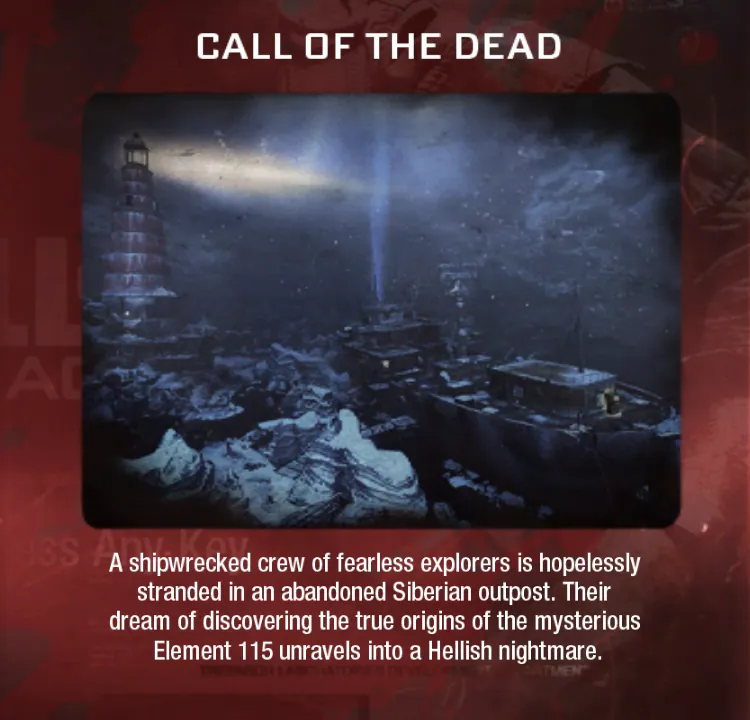
08 / THE SHIPWRECK
A frozen coastal shipwreck. George Romero is part of the original map’s threat, rather than an ordinary round-based enemy.
LISTED · PLAY TEST PENDING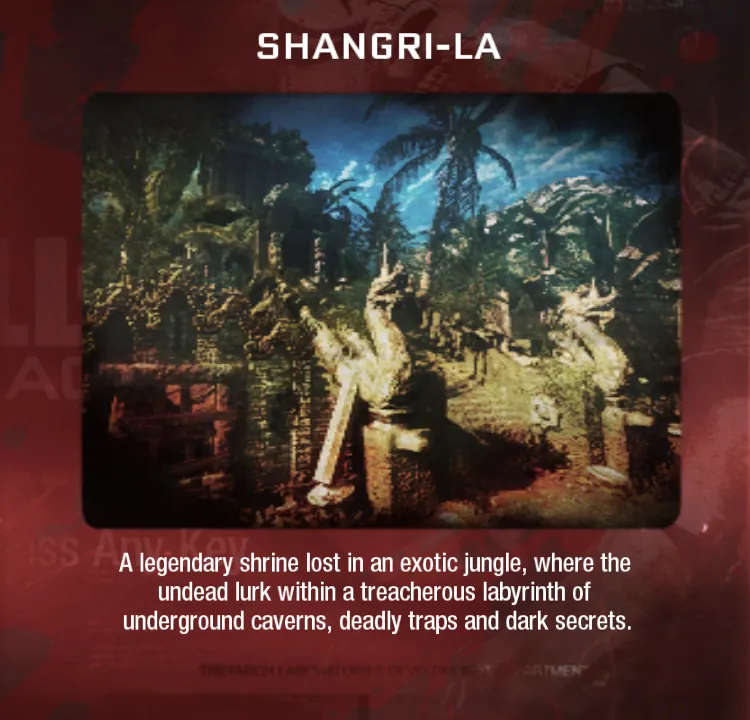
09 / THE TEMPLE
A jungle temple with compact paths and cooperative puzzle mechanics in the original game.
LISTED · PLAY TEST PENDING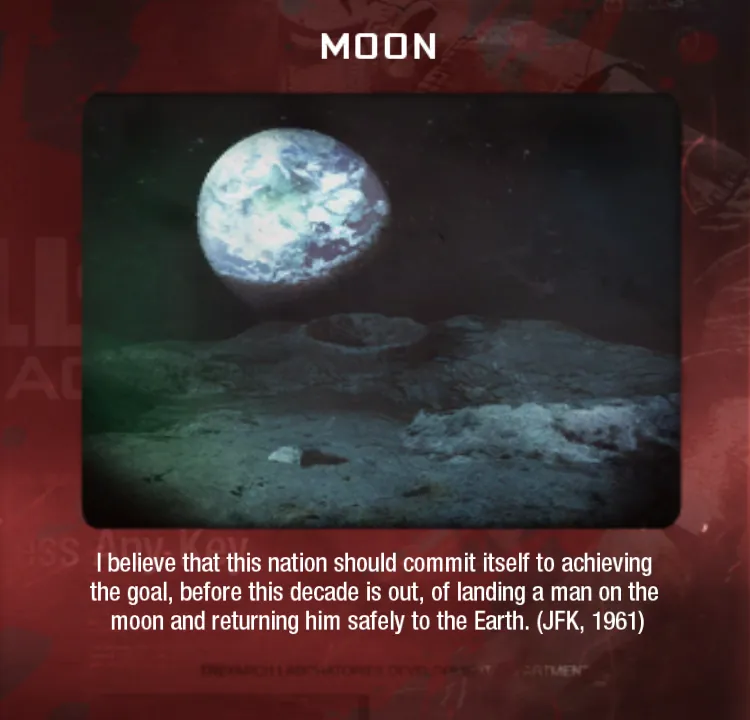
10 / BEYOND EARTH
A lunar facility whose original rules include environmental hazards and the need to manage the spacesuit.
LISTED · PLAY TEST PENDINGThe Black Ops 1 Zombies maps below share round-based survival, with different scenery and landmarks to learn. These introductions describe the original settings to help you choose; they are not a difficulty ranking or verification of every browser mechanic.
Lobby, side rooms and a stage give this map recognizable landmarks. It is our recommended first browser launch because we have a dated round-one check. Use the Kino map guide for an opening plan before chasing an upgrade.
This is the office and government-building alternative to Kino's theater. Choose it when you want a distinctly different indoor setting. A change of setting also means learning the space again; the launch status is still unverified here.
Industrial surroundings make the factory easy to distinguish from the other cards. Its original World at War appearance and its BO1 version are separate contexts. Select the browser's listed entry rather than following instructions for a later remake.
The ruined building gives this map a smaller, more stripped-back identity. It is a useful selection if you want to see where the familiar survival setting began. A short map list does not mean a tested or easier browser session.
The asylum brings an unsettling institutional setting. The accented name and plain “verruckt” selection address refer to the same map. Follow its own card rather than a similarly named game.
Swamp scenery offers a clear visual break from the indoor maps. Check that any outside walkthrough specifically covers BO1: this name also appears in other releases, whose equipment and progression should not be assumed to match.
The cosmodrome adds a space-program setting before Moon's outright lunar landscape. Pick it for that environment, while leaving room to learn unfamiliar facilities. We have not verified its complete quest or cooperative requirements in the embedded player.
Snow, water and a wrecked ship give this entry its own atmosphere. If a video brought you here, check the exact map name before launching: a later game inspired by this setting is not automatically this original BO1 entry.
The temple and jungle imagery make this a strong change from the urban and industrial choices. Treat the launch as exploration rather than a promise of completing a multiplayer quest; that capability remains unverified on this site.
The lunar setting is an obvious change of scenery. Still check your version before importing a remembered quest route: the menu listing does not prove a complete browser playthrough.
This browser menu contains ten round-based entries. Broader lists of Black Ops 1 Zombies maps commonly count Dead Ops Arcade as an additional Zombies experience, giving eleven when the full original game's content is considered. The player-maintained original map list includes it separately. Dead Ops Arcade is a separate arcade-style mode and is not among the ten entries offered here. We do not provide a hidden eleventh card or an unlock code for it.
The older Nacht der Untoten, Verrückt, Shi No Numa and Der Riese settings returned in BO1's Rezurrection content alongside Moon. The publisher's Rezurrection listing identifies those five maps. That retail content history explains the names; it does not establish browser compatibility or authorize this website to redistribute the original game.
If you searched for Black Ops 1 Zombies maps unlock instructions, the task on this site is simpler: select a listed map. This player does not offer the retail campaign terminal, console purchases, PC mod downloads or a way to unlock missing commercial content.
Switching Black Ops 1 Zombies maps can require different resources and end your session. Do not rely on progress or downloads surviving a refresh. Finish your current attempt before changing the selection. A progressing download is a reason to wait, rather than launch simultaneous sessions.
Kino is the best starting point for this site's compatibility evidence: it reached round one in our desktop Chrome check. This recommendation does not mean we proved it is the easiest map or tested a full high-round strategy.
We cannot promise that. All ten are listed by the original browser project, while only Kino has our recorded first-round check. If another map fails, keep its name and exact loading message when you report the issue.
Cooperative play, lobby creation and invitations have not been verified in this embedded experience. Choose a map for an individual launch attempt; do not assume the original retail game's multiplayer features are available.
This page covers the BO1 project. Shared names across releases do not establish matching weapons, quests or features. Keep a BO1-specific guide nearby and check the current in-game prompts.
The Kino overview explains an opening plan. For a specific task, use the Pack-a-Punch guide or the Kino Easter egg guide. Return to Black Ops Browser whenever you want to change maps.
The live original project menu is the source for our Black Ops 1 Zombies maps selection. Availability can change there, so a remembered map list is not a guarantee that today's session will load.